Thestever
dedicated
platform for Children's CAD
Designs
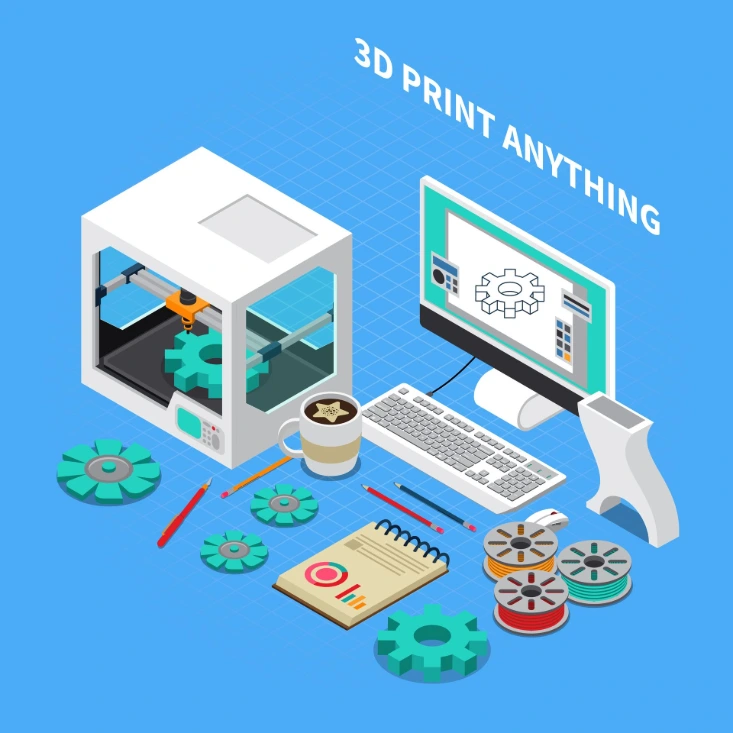
One of its kind to have integrated design thinking & hands on 3D printing.
Building game-changing digital experiences designed for your child's curiosity to set free.
Innovation
How ideas come to life
Focus
Building connections

22%
Reaching new heights
+12
Mark the difference
Summary of what children will learn by the end of the Kinderbrainer CAD & 3D Printing courses.
Beginner Level (TinkerCAD) – “Think in Shapes”
Navigate 3D workspace & use basic tools (align, group, holes, text)
Measure real objects & design with simple tolerances
Create functional models (keychains, clips, organizers, gears, boxes)
Apply design thinking: idea → model → print → improve
Export STL files, slice in Cura/PrusaSlicer & print safely
Present their design story & showcase working prototypes
Advanced Level (FreeCAD) – “Think Parametric”
Use Sketcher constraints to build precise, editable designs
Apply Part Design features (Pad, Pocket, Fillet, Chamfer, Patterns)
Develop parametric models (driven by spreadsheets & variables)
Assemble multi-part designs with clear tolerances
Produce 2D technical drawings (TechDraw) for communication
Design functional mechanisms (gearbox, linkage, gripper, pump)
Export STEP/STL files for professional 3D printing workflows
Showcase a final engineered project with report & drawings